所有软件包现在都需要启用双重身份验证 (2FA) 或使用 启用绕过双重身份验证的细粒度访问令牌 来创建和发布软件包。

¥All packages now require two-factor authentication (2FA) or a granular access tokens with bypass 2FA enabled for creating and publishing packages.

修改软件包设置也需要双重身份验证 (2FA)。

¥Modifying a package's settings also requires two-factor authentication (2FA).

对于 CI/CD 工作流,请考虑使用 可信发布,它提供安全、无需令牌的发布功能,可自动强制执行强身份验证,无需手动管理令牌。

¥For CI/CD workflows, consider using trusted publishing, which provides secure, token-free publishing that automatically enforces strong authentication without requiring manual token management.

关于细粒度访问令牌的重要说明:

¥Important notes about granular access tokens:

  • 绕过 2FA 配置在创建令牌时设置。

    ¥Bypass 2FA configuration is set at token creation

  • 禁用绕过 2FA 时:系统将检查账户级别和软件包级别的设置,以确定是否需要双重身份验证 (2FA)。

    ¥When bypass 2FA is disabled: The system will check account-level and package-level settings to determine if 2FA is required

  • 启用绕过 2FA 时:无论账户级别或软件包级别的 2FA 设置如何,令牌始终会绕过所有 2FA 要求。

    ¥When bypass 2FA is enabled: The token will bypass all 2FA requirements at all times, regardless of account-level or package-level 2FA settings

  • 当在包级别选择“需要双重身份验证并禁止令牌”时,无论其绕过 2FA 设置如何,都无法使用细粒度访问令牌。

    ¥When Require two-factor authentication and disallow tokens is selected at the package level, granular access tokens cannot be used regardless of their bypass 2FA setting

在软件包设置中配置双重身份验证

¥Configuring two-factor authentication on package settings

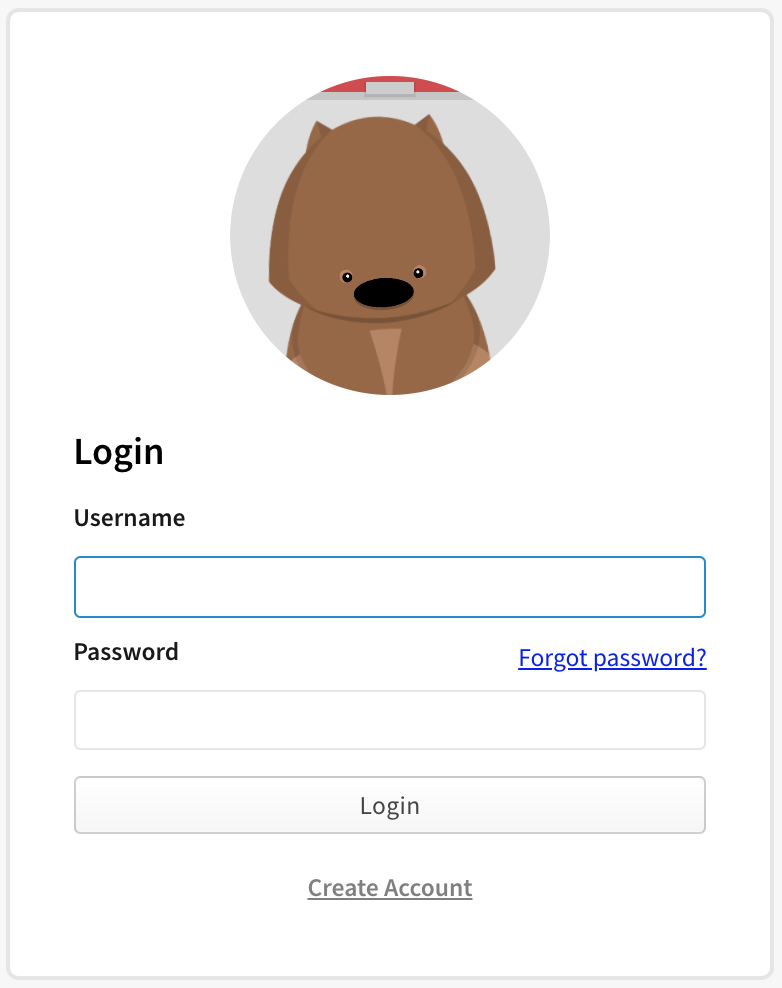
  1. 在 npm“登录”页面上,输入您的帐户详细信息并单击登录 Screenshot of npm login dialog
  2. 导航到你希望需要第二个因素来发布或修改设置的包。

    ¥Navigate to the package on which you want to require a second factor to publish or modify settings.

  3. 单击“设置”。

    ¥Click Settings.

    Screenshot showing the admin tab on a package page
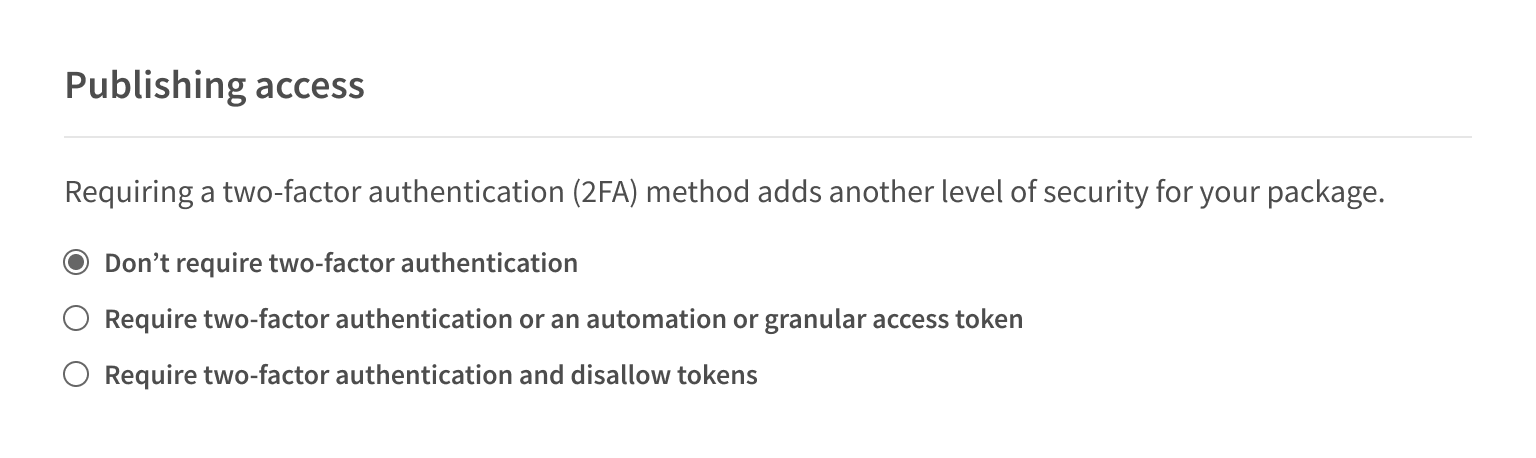
  4. 在 "发布权限" 下,选择发布包的要求。

    ¥Under "Publishing access", select the requirements to publish a package.

    1. 要求双重身份验证或启用绕过双重身份验证的细粒度访问令牌(默认) 这是所有新软件包的默认选项。启用此选项后,维护者必须为其账户启用双重身份验证。如果用户使用 npm publish 命令以交互方式发布包,则在执行发布时需要响应双重身份验证 (2FA) 提示。但是,维护人员也可以创建 启用绕过双重身份验证的细粒度访问令牌 并将其用于非交互式发布。

      ¥Require two-factor authentication or a granular access token with bypass 2fa enabled (Default)\ This is the default option for all new packages. With this option, maintainers must have two-factor authentication enabled for their account. If they publish a package interactively, using the npm publish command, they will be required to respond to a 2FA prompt when they perform the publish. However, maintainers may also create a granular access token with bypass 2FA enabled and use that for a non-interactive publish.

    2. 要求双重身份验证并禁止使用令牌(推荐) 启用此选项后,维护者必须为其账户启用双重身份验证,并且必须以交互方式发布。维护人员在执行发布操作时需要响应双重身份验证 (2FA) 提示。无论是否设置了绕过双重身份验证 (2FA),细粒度访问令牌都不能用于发布软件包。

      ¥Require two-factor authentication and disallow tokens (Recommended) With this option, a maintainer must have two-factor authentication enabled for their account, and they must publish interactively. Maintainers will be required to respond to a 2FA prompt when they perform the publish. Granular access tokens cannot be used to publish packages, regardless of their bypass 2FA setting.

    Screenshot showing the require two-factor option for a package
  • 点击“更新软件包设置”。

¥5 . Click Update Package Settings.

npm v11.7 中文网 - 粤ICP备13048890号