从团队中移除组织成员
作为组织所有者或团队管理员,如果组织成员不再需要访问团队可访问的包,你可以从团队中删除他们。
🌐 As an organization owner or team admin, you can remove organization members from teams if they no longer need access to packages accessible to the team.
-
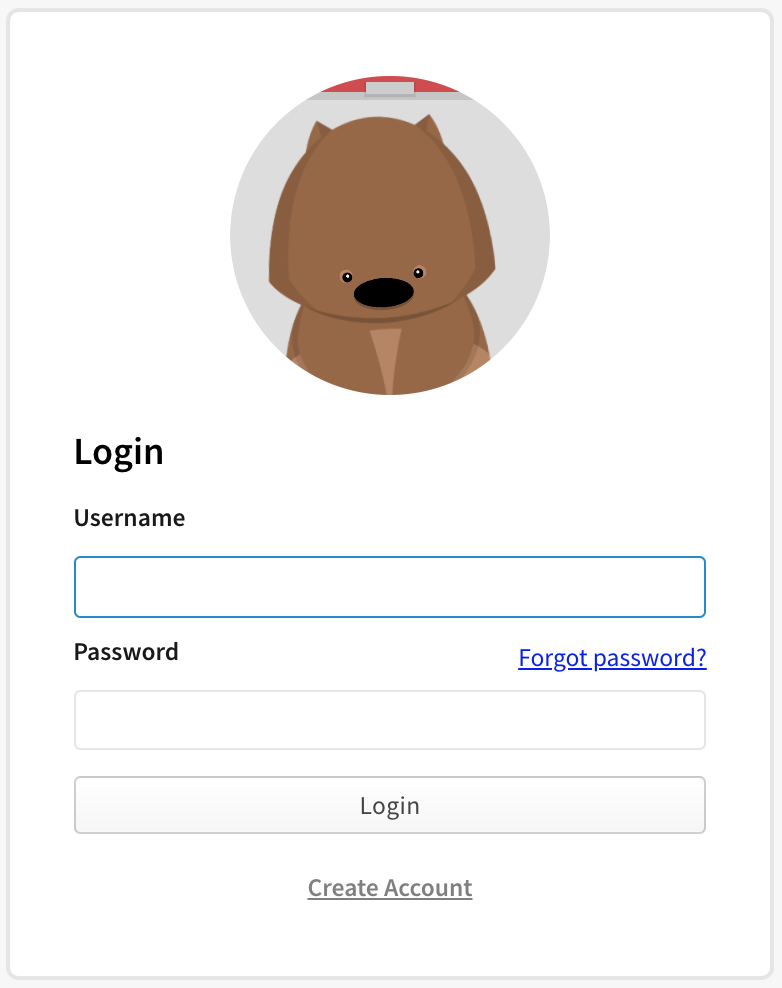
在 npm“登录”页面上,输入您的帐户详细信息并单击登录。
-
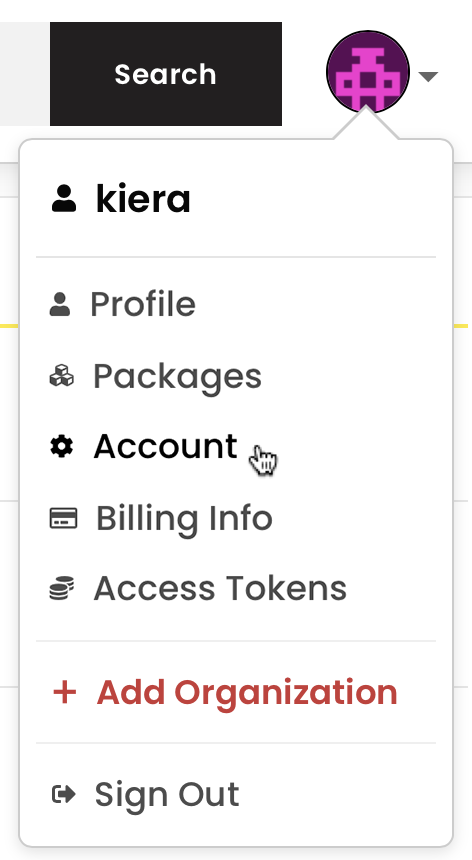
在页面的右上角,点击您的个人资料照片,然后点击帐户。
-
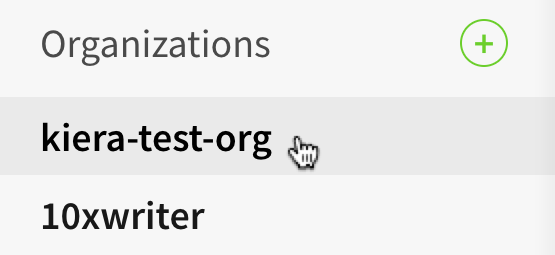
在左侧边栏中,单击您的组织名称。
-
在组织设置页面上,单击团队。

-
在团队成员列表中,找到你要移除的成员。
-
在成员行中,要将成员从团队中移除,点击 X。

注意:从团队中移除成员,即使这是他们唯一的团队,也不会将其从组织中移除。 若要将成员从组织中移除,请参见“从你的组织中移除成员”。